
On a gym tablet
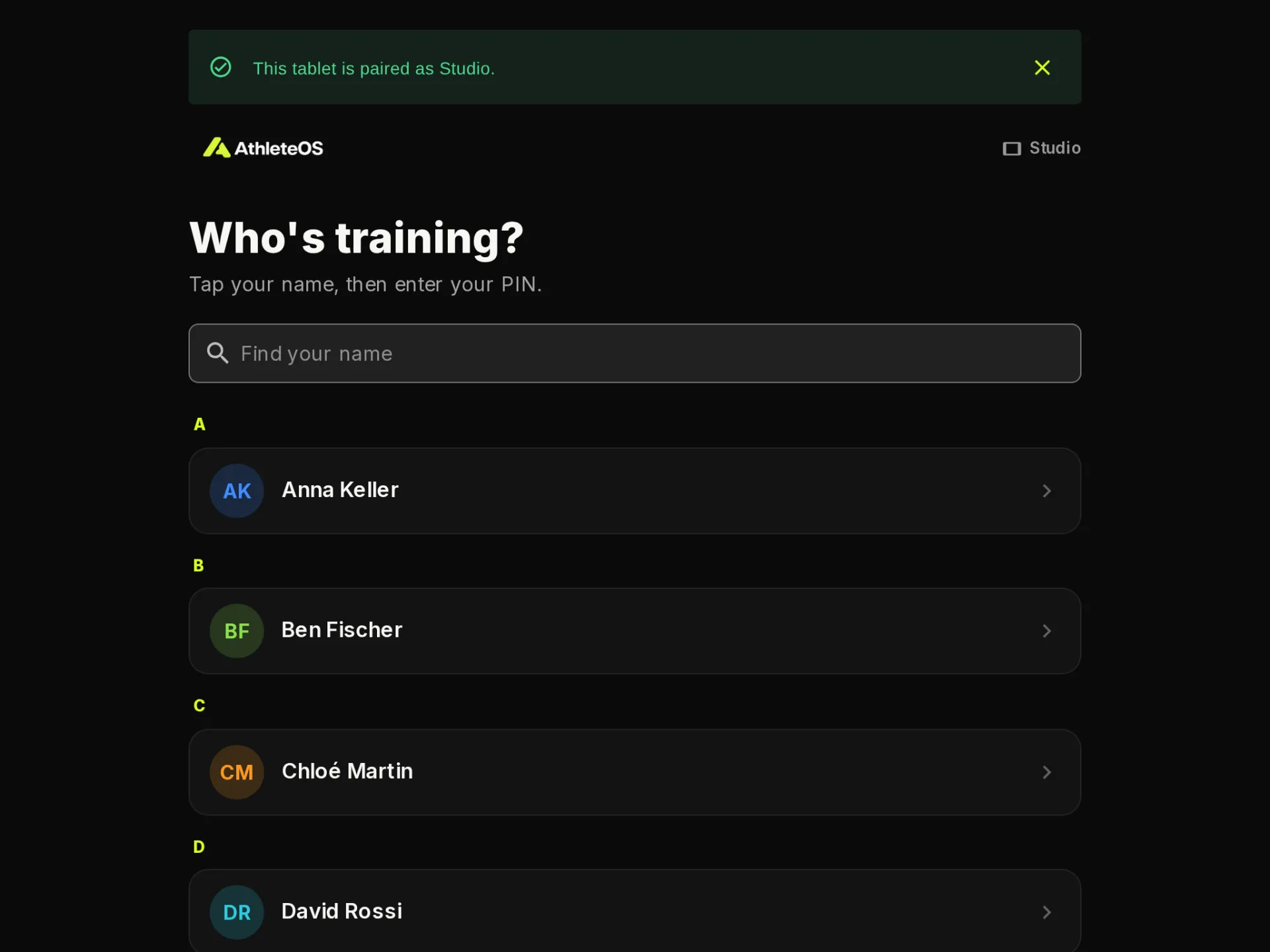
Your gym may have a tablet, e.g. at the front desk, so you can train without your phone. You pick your name, enter your PIN, and fill in your workout as in the app.
Set your PIN first
Your PIN is 4 digits. Set it in the app on your phone:
- Tap your avatar, top right.
- Tap Gym tablet PIN.
- Enter your 4 digits twice, and save.
Pick something hard to guess: the app refuses PINs like 1234, 1111 or your birth year. Your coach can also set it for you.
Train on the tablet
- Under Who's training?, tap your name. Find your name searches the list.
- Enter your PIN.
- Open your session and fill in your sets, as in the app.
- When you're done, tap Done, next athlete, or Switch athlete at the top.
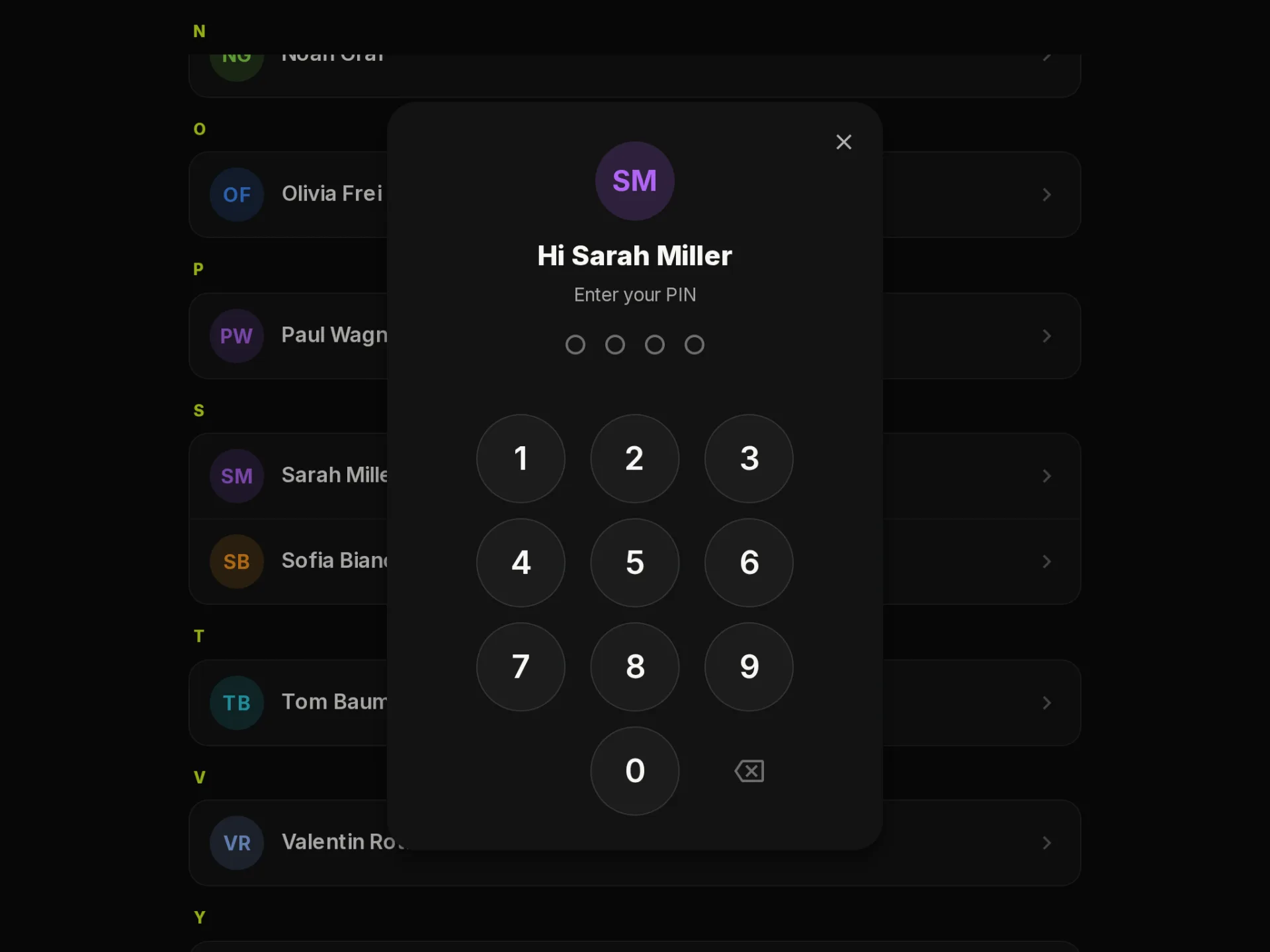
If you leave without signing out, the tablet asks Still there? after 2 minutes without a touch, then goes back to the list. During a workout, it waits longer.
What's only on your phone
On the tablet, you see your sessions, your progress and your history. To book, manage your classes, change your reminders, set your PIN, download your data or delete your account, use the app on your phone.
Trouble with your PIN?
- You have no PIN yet: set one in the app on your phone, or ask a coach.
- Wrong PIN: try again. After 5 wrong tries, wait 5 minutes.
- Forgot it? Set a new one in the app, or ask a coach.