
Getting started
Welcome! Your gym uses AthleteOS to plan your training. In the app, you see the workouts your coach prepared for you, fill in what you did, book sessions and classes, and follow your progress. This page gets you signed in.
1. Choose your password
When your coach adds you, you receive an email called Welcome to AthleteOS.
- Open the email and tap Set my password.
- Choose a password of at least 8 characters, and type it twice.
- Tap Save my password.
The link in the email works for 7 days. If it expired, ask your coach to send you a new one.
2. Sign in
- Open the address of your gym's AthleteOS, the one in the email.
- Choose Athlete.
- Enter your email and your password, and tap Sign in.
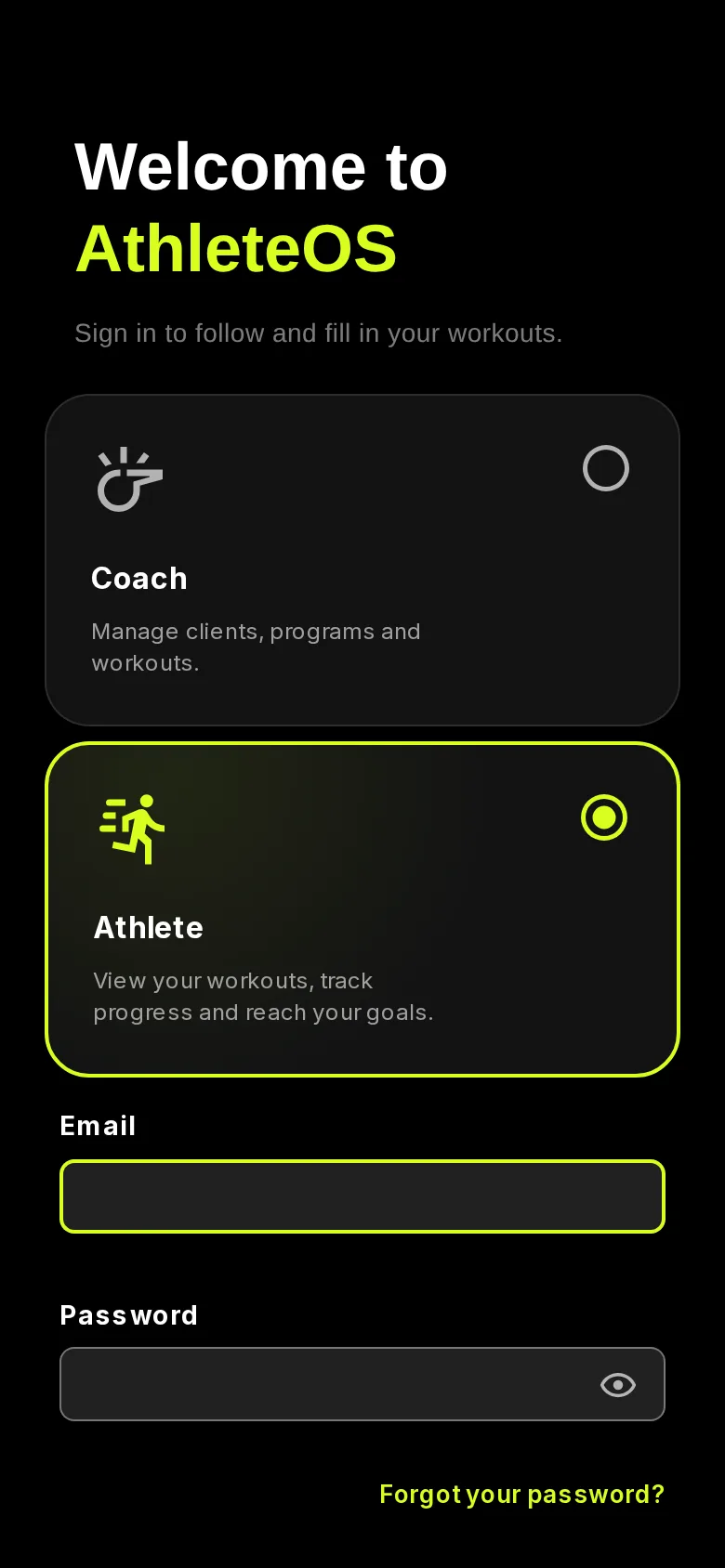
You stay signed in on your phone, so you don't need to sign in each time.
3. Add AthleteOS to your home screen
AthleteOS works in the browser of your phone: there's nothing to install from a store. Add it to your home screen to open it like an app.
- iPhone: in Safari, tap Share, then Add to Home Screen, then Add.
- Android: in Chrome, open the menu, then tap Add to Home screen or Install app.
Find your way around
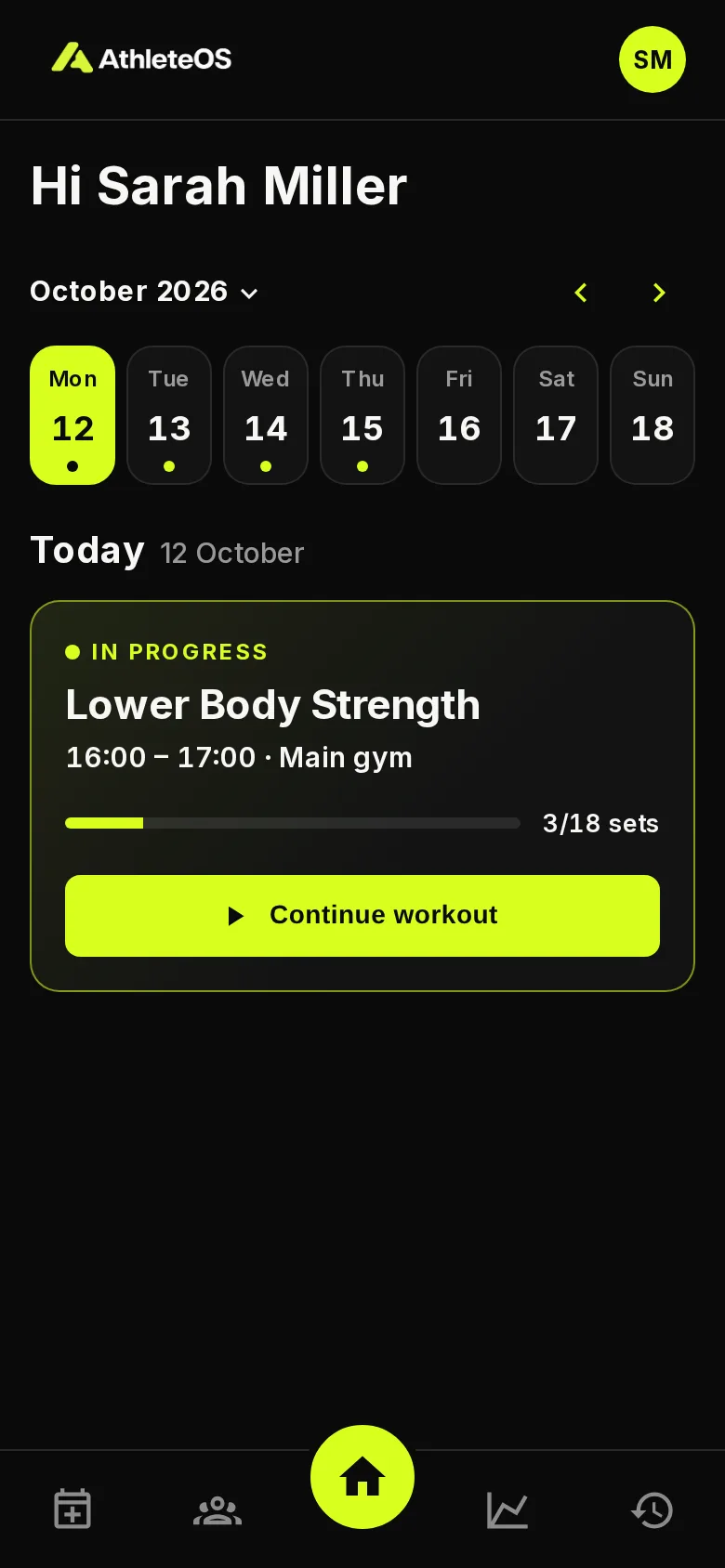
The bar at the bottom of the screen takes you to:
| Tab | What you find |
|---|---|
| Book a session | Free slots to book a session with a coach, when your gym offers it |
| Classes | The group classes you can book, when your gym offers it |
| Home (the middle button) | Your sessions and classes, day by day |
| Progress | How regularly you train, and your records |
| History | Your past sessions and classes |
Your avatar, top right, opens your account: your bookings, your history, your gym tablet PIN, your data, and Sign out.
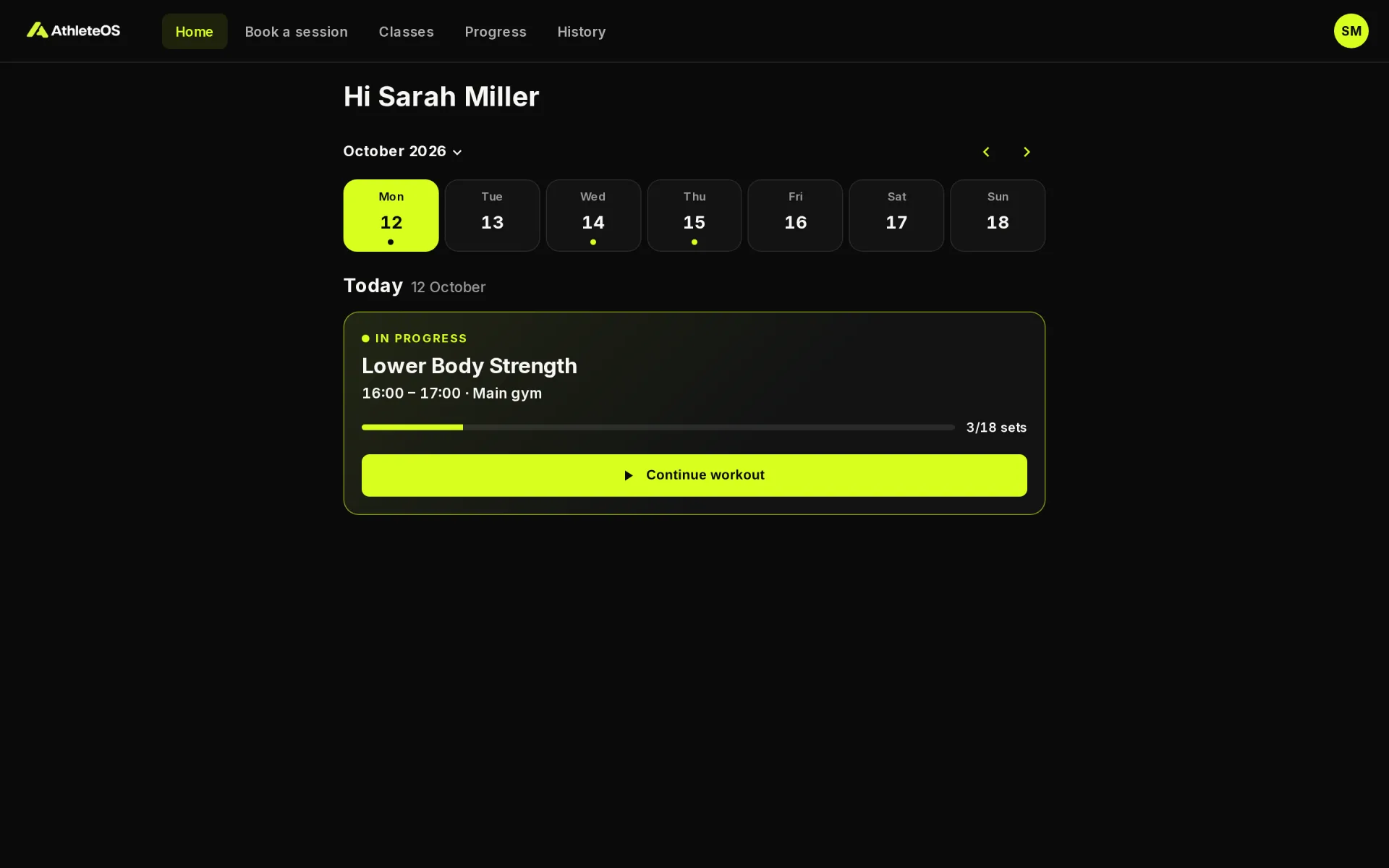
On a computer, the same tabs are at the top of the page.
Forgot your password?
- On the sign-in page, choose Athlete, then tap Forgot your password?.
- Enter your email and tap Send the link.
- Open the email and choose a new password. The link works for 60 minutes.
Next
- Training: fill in your workout.
- Booking sessions and classes.
- Progress and history.