
Your account
Tap your avatar, top right, to open your account menu.
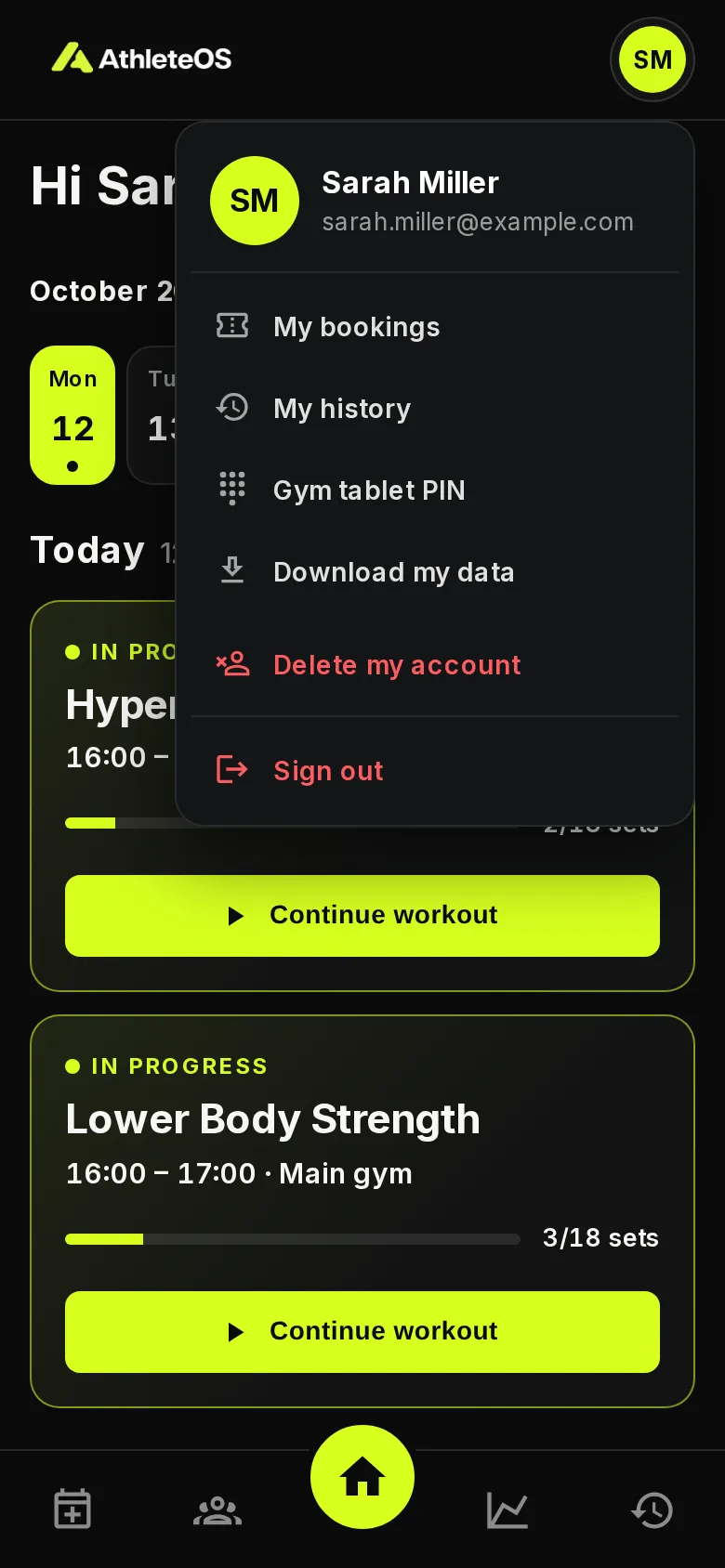
| Item | What it does |
|---|---|
| My bookings | The classes you booked |
| My history | Your past sessions and classes |
| Gym tablet PIN | Set the 4 digits you enter on a gym tablet |
| Download my data | Download everything your gym keeps about you |
| Delete my account | Close your account |
| Sign out | Sign out of this device |
Change your password
On the sign-in page, choose Athlete, then Forgot your password?, and follow the link you receive by email.
To change your name or email, ask your coach.
Download your data
Tap Download my data. You get a file with everything your gym keeps about you: your profile, the notes and status your coaches gave you, your sessions with every set and note, and your classes.
Delete your account
- Tap Delete my account.
- Read what it means, and enter your password to confirm.
- Tap Delete my account.
You're signed out at once, and your coaches no longer see you. You receive an email with the date everything is deleted.
30 days to change your mind
Everything about you is deleted for good 30 days later: your details, sessions, sets and notes. Changed your mind before then? Contact your gym, and they can keep your account. Download your data first if you want a copy.